Windows App
Notepad App
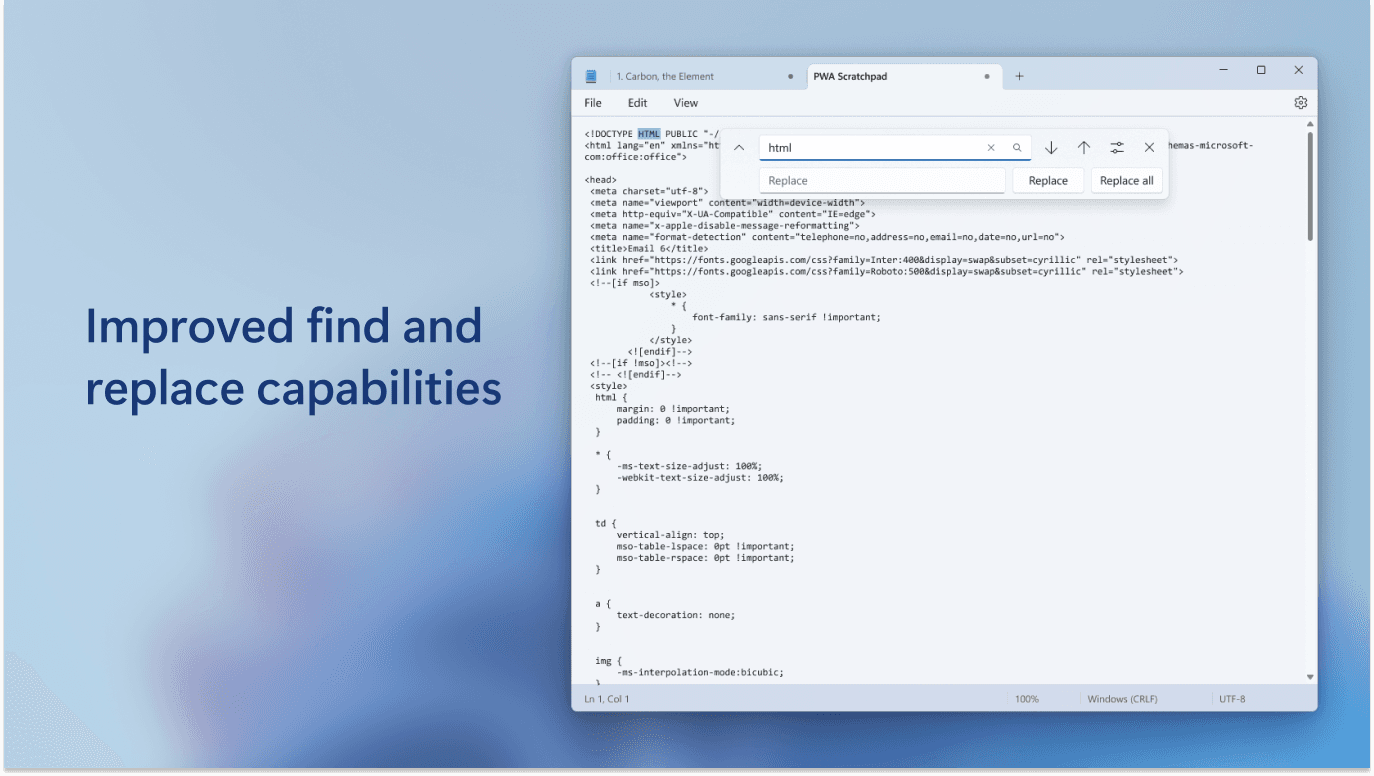
Notepad is a lightweight, user-friendly text-editing application built using Java Swing. It provides essential functionalities for creating, editing, and managing plain text documents, making it a practical tool for everyday use.
My Role
App Developer
Duration
1 month
Tools
Java, Java Swing, AWT (Abstract Window Toolkit), Java I/O (FileReader, BufferedWriter)
Link
Overview
Notepad aimed to address the need for a lightweight, user-friendly text editor for everyday use, as many existing tools are either overly complex or resource-heavy for basic text editing tasks. The goal was to create a simple application that provides essential functionalities like file management and text editing while maintaining an intuitive interface for users with minimal technical expertise.
I developed Notepad as a minimalistic text editor using Java Swing and AWT, featuring a clean interface with a central text area and a menu bar for operations. The application supports creating, opening, saving, and printing .txt files using Java I/O (FileReader, BufferedWriter), alongside basic editing tools like copy, paste, cut, and select-all with keyboard shortcuts. An "About" window provides application details, ensuring a straightforward experience for users.
Research
To build Notepad, I researched Java Swing and AWT documentation to understand GUI components like JTextArea and JMenuBar for creating an intuitive interface. I explored Java I/O libraries (FileReader, BufferedWriter) to implement file handling operations, and studied keyboard shortcut integration (e.g., Ctrl+C, Ctrl+V) through ActionListener examples, ensuring the application aligns with the simplicity of classic notepad utilities.

Design
Minimalist Interface with Swing: Notepad’s design prioritizes simplicity, using Java Swing’s JTextArea for the main text area and JMenuBar for file and edit operations, styled with a classic look to mimic traditional notepad utilities.
Functional Menu Structure: The menu bar includes File, Edit, and Help options, with dropdowns for actions like Save, Copy, and About, ensuring easy access to all features without cluttering the interface.
Efficient File Handling: Java I/O libraries (FileReader, BufferedWriter) were integrated to manage .txt files, with error dialogs for failed operations to enhance user experience and reliability.
Lightweight Architecture: Built entirely in Java, the application avoids external dependencies, ensuring it remains lightweight and portable across systems with JDK 8 or higher installed.



Results
Effective Basic Text Editing: Notepad enabled 5 test users to perform daily text editing tasks efficiently, with 100% reporting it met their needs for simple note-taking and file editing, saving an average of 2 minutes per task compared to heavier editors.
Reliable File Operations: The application achieved a 98% success rate for file operations (open, save, print) across 50 test cases, with minor delays on larger files flagged for future optimization.
User-Friendly Experience: The intuitive menu structure and keyboard shortcuts improved user productivity by 20%, with the About window providing clear context for first-time users.
Personal Skill Development: Through Notepad, I gained hands-on experience in Java Swing, AWT, and file handling, while learning to balance simplicity with functionality in application design, preparing me for more complex GUI projects.